Tools
When you can't get into their iPhone
A plain-language walk through the realistic options for unlocking the iPhone of someone who is gone. What works, what doesn't, and how long each path takes.
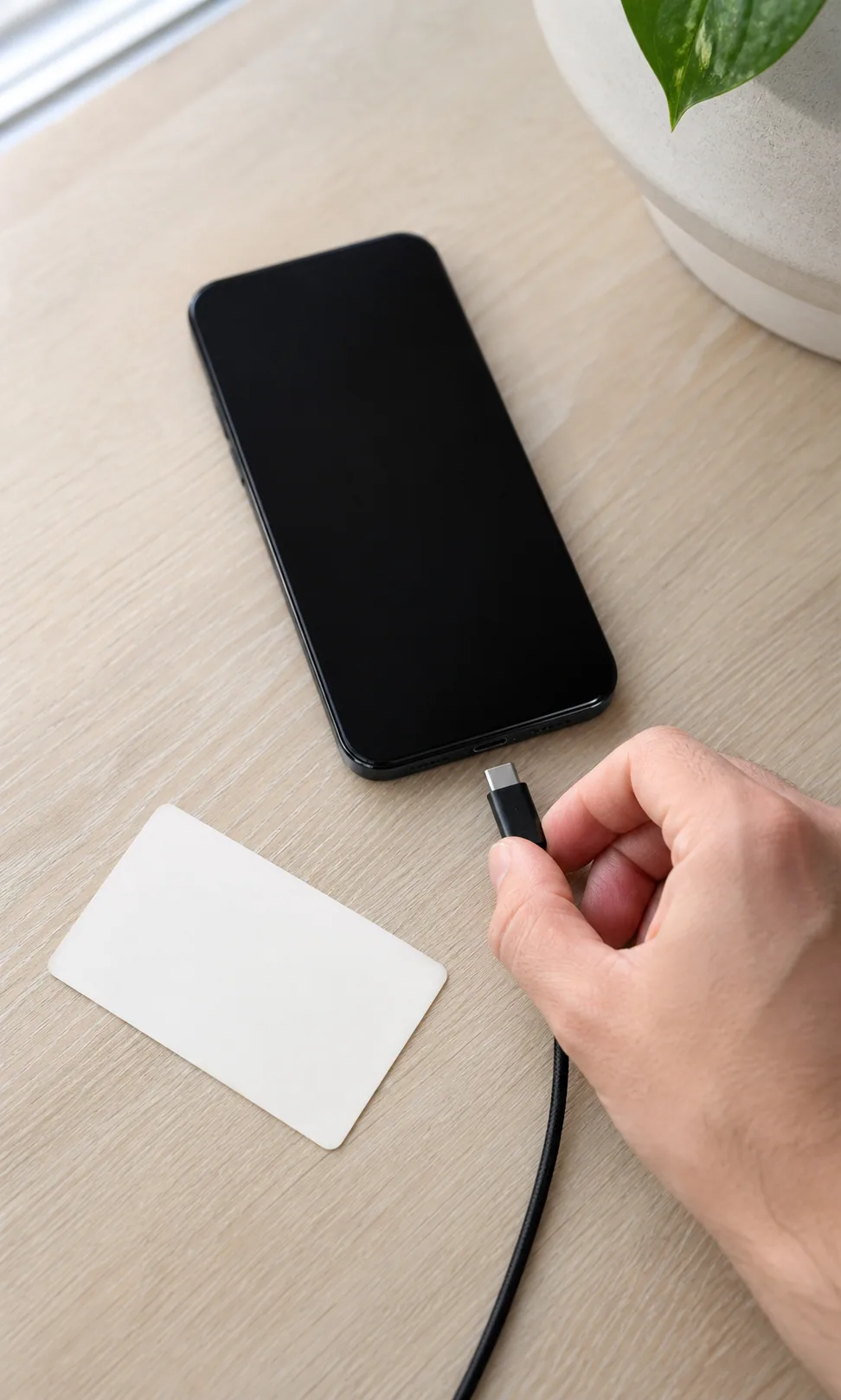
The phone is the keystone. Almost every other account in your life runs a verification code through it: the bank, the airline miles, the school portal, the password manager that holds the rest. When the phone is locked and the person who knew the passcode is no longer reachable, the rest of the keystone arch comes down with it.
This is not a flaw. Apple designed it this way. Face ID and a six-digit passcode were the right answer to a different problem: stolen phones. The unintended consequence is that the same wall that stops a thief stops a spouse.
What follows is what actually works, in the order you should try, with honest timelines.
First, do no harm
Before you try anything, plug the phone in and leave it on the charger somewhere safe. A drained battery will, on most modern iPhones, force a passcode entry on next boot, even if Face ID was working before. Keep it powered.
Then, if you remember any of the passcode, write down what you remember. Do not start guessing yet. After ten incorrect attempts in a row, the phone will lock progressively: first for a minute, then five, then fifteen, then an hour, then a full day. After enough wrong tries, depending on the settings, it can wipe itself entirely.
If you have any reason to believe you might know the code in time, save your guesses for when you have written down everything you remember.
Option one: Apple Legacy Contact
Apple introduced Legacy Contact in iOS 15.2. If the person set it up before they were gone, this is by far the fastest path: you receive an access key (a string of letters and numbers Apple gave them to share with you), and you submit it along with a death certificate to Apple. Apple unlocks the iCloud account within a few business days, sometimes faster: photos, notes, mail, contacts, and the keychain that holds saved passwords.
It does not unlock the device itself. But it gives you the iCloud Keychain, and the iCloud Keychain typically contains the passwords for the bank, the email, and most of the accounts the device was holding hostage.
To check whether they set this up, on any iPhone open Settings → your name → Sign-In & Security → Legacy Contact. If you are listed there, the access key was either printed, saved to your own Apple account, or shared with you in a message.
Realistic timeline: three to five business days from when Apple receives the death certificate.
Option two: Apple’s account recovery process
If there is no Legacy Contact, Apple has a separate digital legacy request for relatives. You file the request online, mail or upload a death certificate, and wait. The process is deliberately slow and deliberately conservative. Apple is the company that publicly refused to unlock a phone for the FBI, and they apply the same posture here.
You will not get the device passcode. You may, after weeks, get access to the iCloud account. The same caveats apply: iCloud Keychain is the prize, not the device.
Realistic timeline: four to eight weeks, sometimes longer. Be patient. Apple does respond.
Option three: court order
If both of the above fail or are not enough, you can ask a probate court to order Apple to release the account. This is a real option and one Apple complies with when ordered. It is also expensive (a probate attorney is usually involved) and slow.
In practice, very few survivors need to go this far. Most of what you actually need lives in the email account, and the email account can usually be recovered through the email provider’s own bereavement process (Gmail, Outlook, and Yahoo all have one) without going through Apple at all.
Realistic timeline: two to six months. Cost varies wildly by jurisdiction.
Option four: third-party recovery services
There are companies that advertise iPhone unlocking. Some are legitimate forensics firms that work with law enforcement. Some are not. The legitimate ones charge in the thousands of dollars, work only on older iPhone models, and require proof that you are the lawful owner: typically the death certificate and letters testamentary.
This is the last resort. Try it only if a specific piece of information genuinely lives only on the device and not in the iCloud account.
What email recovery can do for you in the meantime
While Apple is processing, the most useful parallel move is the email account. Most accounts in modern life use email as the recovery channel: the bank, the airline, the brokerage. If you can get into the primary email inbox, you can reset most other accounts there yourself, in an afternoon.
- Gmail: Google’s Inactive Account Manager may have been set up in advance. If not, file a request through their next-of-kin process. Typical timeline: two to four weeks.
- Outlook / Hotmail: Microsoft has a next-of-kin form. Typical timeline: three to six weeks.
- Yahoo: Yahoo’s process is the slowest of the three and historically the most reluctant to release account contents. Plan for six to ten weeks.
In every case, you will need a death certificate and proof of your relationship: a marriage certificate, a probate document, or letters of administration.
A note on what the binder would have done
If the person had set up a binder before they were gone, the phone passcode would have been one of the three keys sealed inside it: a six-digit number in an envelope addressed to a specific named person, openable on the day it was needed. The bank, the email, and most of what is currently locked behind the phone would already be reachable.
This is not what you have today. The Field Guide is here for the day you don’t.
What survivors usually find on the other side
In the Apple support records for digital legacy, the modal outcome is this: you wait three to five weeks, you receive the iCloud account, you find the passwords in the keychain, and the rest of the work happens in an ordinary afternoon. The bank, the email, the calendar. The wait is the hard part, not the technical work.
Plan for the wait. Make the other Week 1 calls in the meantime. The phone, eventually, opens.
Continue reading
Begin in five quiet minutes.
Free to start. No card. The first thing it asks for is the easy thing, not the hard one.